Fluxbase

Fluxbase
A lightweight, self-hosted Backend-as-a-Service with PostgreSQL, real-time subscriptions, authentication, storage, edge functions, and multi-tenancy.
Core Features
Section titled “Core Features”Postgres REST API
Full PostgreSQL with PostgREST-compatible API, row-level security, and automatic migrations.
Authentication
JWT tokens, OAuth/OIDC, SAML SSO, magic links, 2FA, and complete user management.
Edge Functions
Deploy serverless TypeScript/JavaScript functions with Deno runtime and cron scheduling.
File Storage
S3-compatible storage with signed URLs, image transforms, and access policies.
Real-time
WebSocket subscriptions for database changes with RLS-aware filtering.
Background Jobs
Scheduled and queued jobs with progress tracking, retries, and worker pools.
AI Chatbots
Natural language interfaces to your database with streaming AI responses.
Vector Search
pgvector-powered semantic search with automatic embeddings.
Multi-Tenancy
Database-per-tenant isolation with automatic provisioning, per-tenant config, and tenant-scoped API keys.
Quick Start
Section titled “Quick Start”Clone and generate secrets
Terminal window git clone https://github.com/nimbleflux/fluxbase.gitcd fluxbase/deploy./generate-keys.sh # Select option 1 (Docker Compose)Save the Setup Token displayed - you’ll need it for admin access.
Start Fluxbase
Terminal window docker compose -f docker-compose.minimal.yaml up -dThen open localhost:8080/admin/setup, enter your setup token, and create your admin account.
Install the SDK and connect
Terminal window npm install @nimbleflux/fluxbase-sdkimport { createClient } from "@nimbleflux/fluxbase-sdk";// Get your API key from the admin dashboard → Client Keysconst client = createClient("http://localhost:8080", "your-anon-key");// Query dataconst { data } = await client.from("posts").select("id, title, author:users(name)").eq("published", true);Subscribe to real-time changes
client.realtime.channel("table:public.posts").on("INSERT", (payload) => {console.log("New post:", payload.new_record);}).subscribe();
For detailed setup instructions, see the Quick Start Guide.
Why Fluxbase?
Section titled “Why Fluxbase?”Supabase Alternative
Section titled “Supabase Alternative”Fluxbase provides a similar developer experience to Supabase but runs as a single binary with no external dependencies besides PostgreSQL. Perfect for:
- Self-hosting on your own infrastructure
- Air-gapped environments with offline operation
- Edge deployments where simplicity matters
- Cost-conscious teams who want to avoid vendor lock-in
Built with Fluxbase
Section titled “Built with Fluxbase”
Admin Dashboard
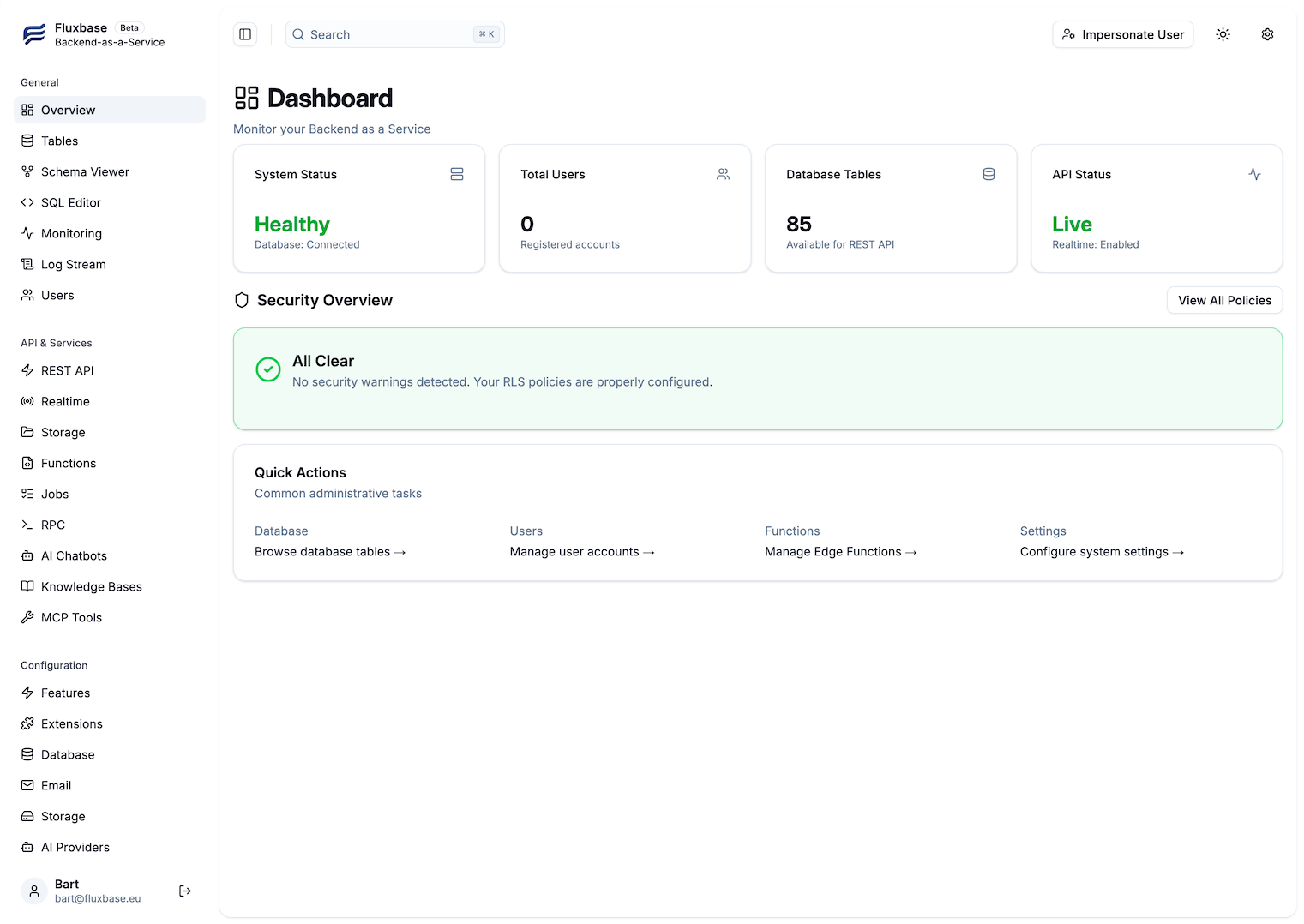
Section titled “Admin Dashboard”Manage your backend with a powerful built-in admin UI featuring database browsing, user management, real-time monitoring, and more.